PUBG UC Not Received: Checks and Support Guide
PUBG UC not received? Check whether the order is E-Pin or Top-Up, verify Player ID and region, review the order status and contact support safely.
 DostGame
1 min read
989 views
DostGame
1 min read
989 views
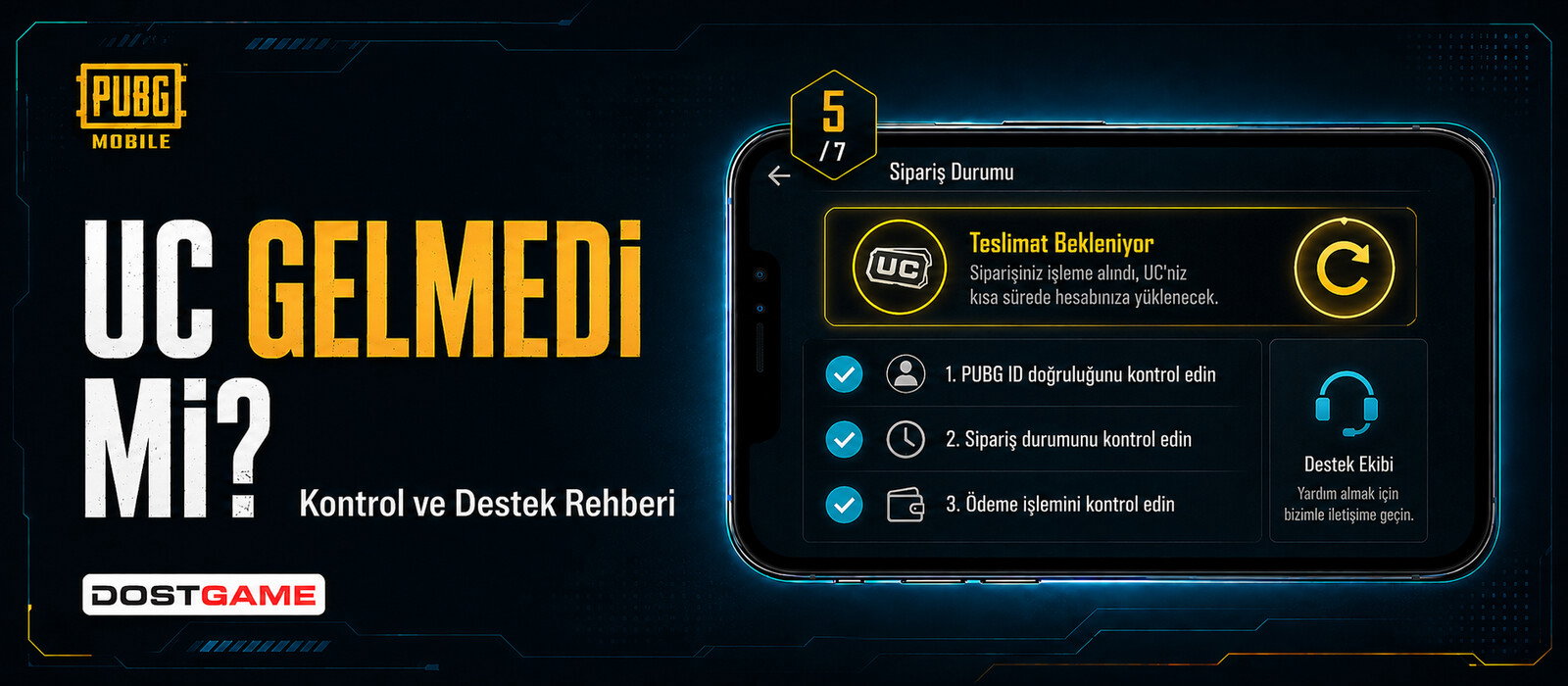
If PUBG UC has not arrived, first identify whether the order is E-Pin or Top-Up and check its current status. The next checks differ because E-Pin delivers a code while Top-Up uses Player ID.
For an E-Pin order
- Check the order area for the delivered digital code and instructions.
- Verify that the code was entered without spaces or character mistakes.
- Check the account region and official redemption conditions.
For a Top-Up order
- Confirm that the Player ID matches the intended account.
- Verify that the account is eligible for the Turkey-region service.
- Check the order status before placing another order.
Information to keep for support
Keep the order number, selected amount, delivery method, entered Player ID where applicable and any error message. Never send your password or verification codes.
Avoid duplicate attempts
Do not repeat payment or submit the same unused code on unofficial pages while the first order is being reviewed.
Choose the correct delivery method
Use the PUBG Mobile UC E-Pin category if you want a digital code. Use the PUBG Mobile UC Top-Up category only for an eligible Turkey-region account when you want direct loading through Player ID. Compare the method, region and amount before payment.