Guide
 DostGame
1 min read
1,242 views
DostGame
1 min read
1,242 views
How to Redeem a PUBG UC Code: Step-by-Step Guide
Learn how to redeem a PUBG Mobile UC code safely through the official Midasbuy page. Check Player ID, account region, code characters and confirmation.
DostGame
1 min read
1,242 views
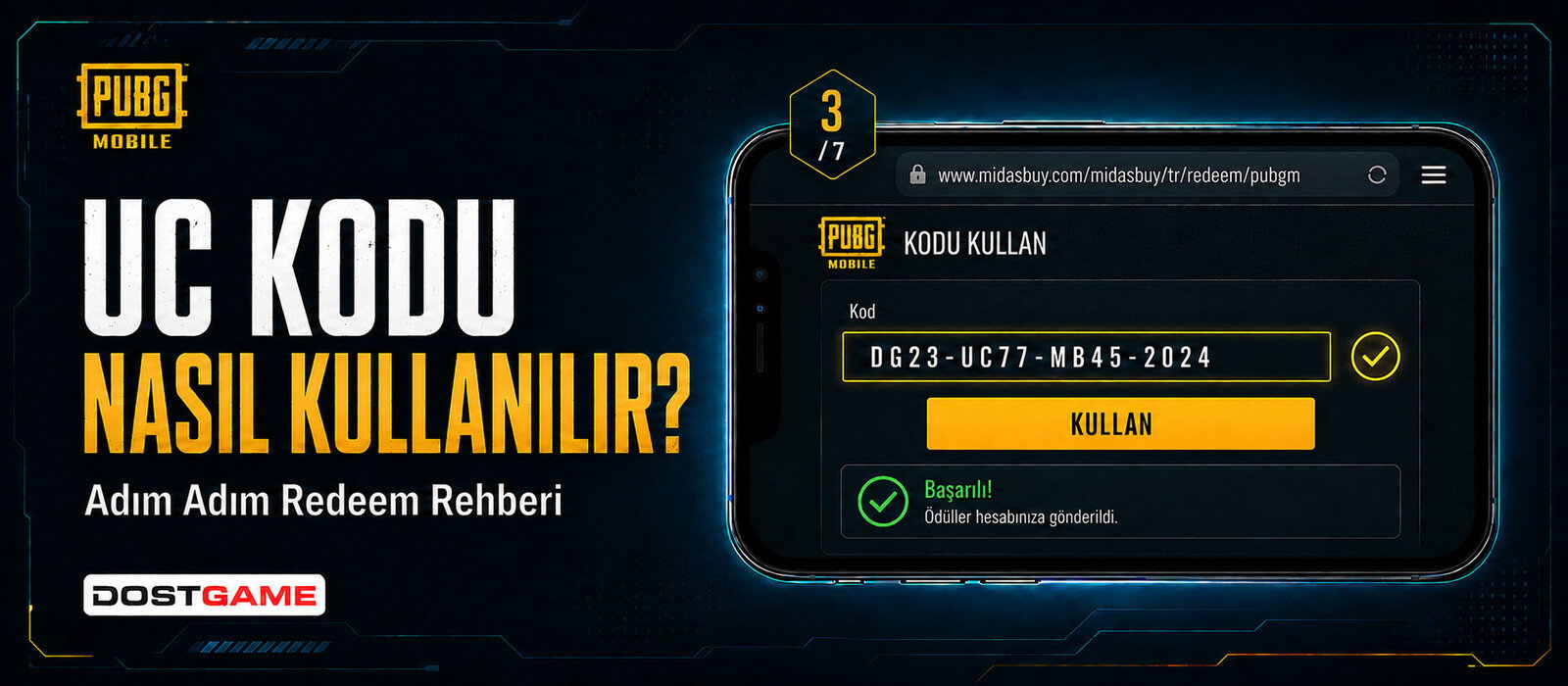
Redeem a PUBG UC code only through the official flow stated in the product instructions. Check the account region and Player ID before confirmation, and never share the unused code publicly.
Steps to redeem the code
- Open the official Midasbuy PUBG Mobile redemption page.
- Sign in or follow the on-screen account verification steps.
- Select the correct country or region where requested.
- Enter the Player ID carefully.
- Type the E-Pin code without extra spaces.
- Review the details before confirmation.
If the code is rejected
- Check similar-looking letters and numbers.
- Remove spaces before and after the code.
- Verify the account region and redemption conditions.
- Do not repeatedly share or submit the code on unofficial pages.
E-Pin is not Top-Up
An E-Pin provides a code. A Top-Up order does not provide a code and instead uses the Player ID entered during checkout.
Choose the correct delivery method
Use the PUBG Mobile UC E-Pin category if you want a digital code. Use the PUBG Mobile UC Top-Up category only for an eligible Turkey-region account when you want direct loading through Player ID. Compare the method, region and amount before payment.
Frequently Asked Questions
How to Redeem a PUBG UC Code: Step-by-Step Guide
Follow the official PUBG Mobile redemption flow, check Player ID and account region, and enter your UC code carefully.
What is the difference between E-Pin and Top-Up?
E-Pin delivers a digital code. Top-Up uses Player ID and is restricted to eligible Turkey-region accounts.
Should I share my account password?
No. Never share passwords, login codes or verification codes.
Where can I compare the available products?
Use the PUBG Mobile UC E-Pin and Top-Up category links in this guide.
 Guide
Guide
 Guide
Guide
 Guide
Guide