How to Top Up Age of Empires Mobile
Learn how to top up Age of Empires Mobile with only your numeric Player ID, check delivery and avoid wrong-ID mistakes.
 DostGame
2 min read
769 views
DostGame
2 min read
769 views
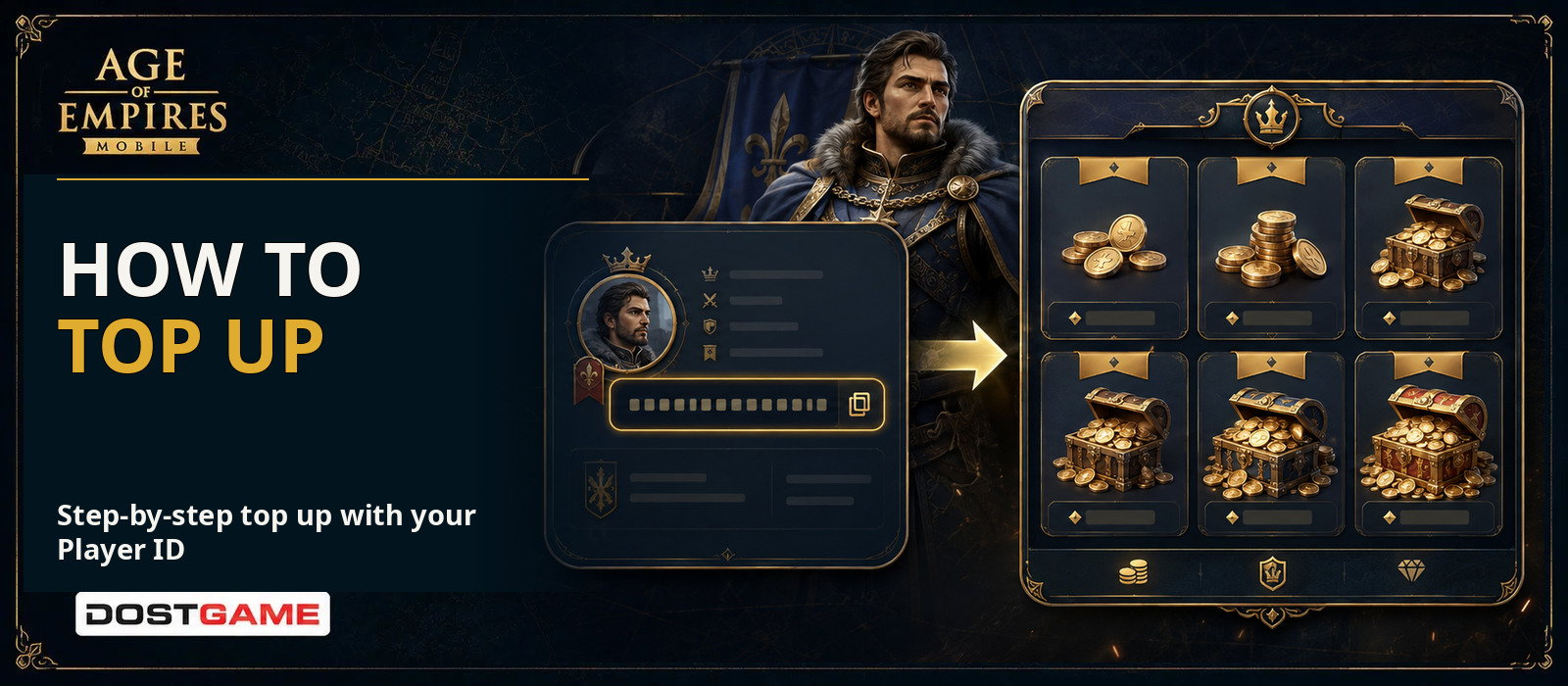
Quick answer: Choose a package on DostGame and enter the numeric Player ID from your Age of Empires Mobile profile. Character name, server, email and account password are not required.
Where can I find my Player ID?
Open the game, tap your avatar in the top-left corner and locate the numeric Player ID on the profile screen. Use the copy button if available. Your nickname is not your Player ID.
Top-up steps
Open the Age of Empires Mobile product page, select the required Apex Coins or Empire Coins package, paste your Player ID, review the package and ID, then complete payment. Follow the order status in your DostGame account and restart the game after completion.
Information DostGame never needs
Do not provide your password, email login, one-time verification code, character name or server. Anyone requesting these details for this delivery should be treated with caution.
If the coins do not appear
Restart the game, confirm that you are on the correct account and check whether the DostGame order is marked completed. Compare the entered ID with your profile. If the balance is still missing, contact support with the order number.
Wrong ID and bonuses
A completed top-up to another valid Player ID may not be reversible. Check every digit before payment. First-purchase and campaign bonuses can vary by account, country and promotion; expect only bonuses explicitly stated in the product description. Read the Apex Coins vs Empire Coins guide before choosing.